Search for the piece, then narrow the results
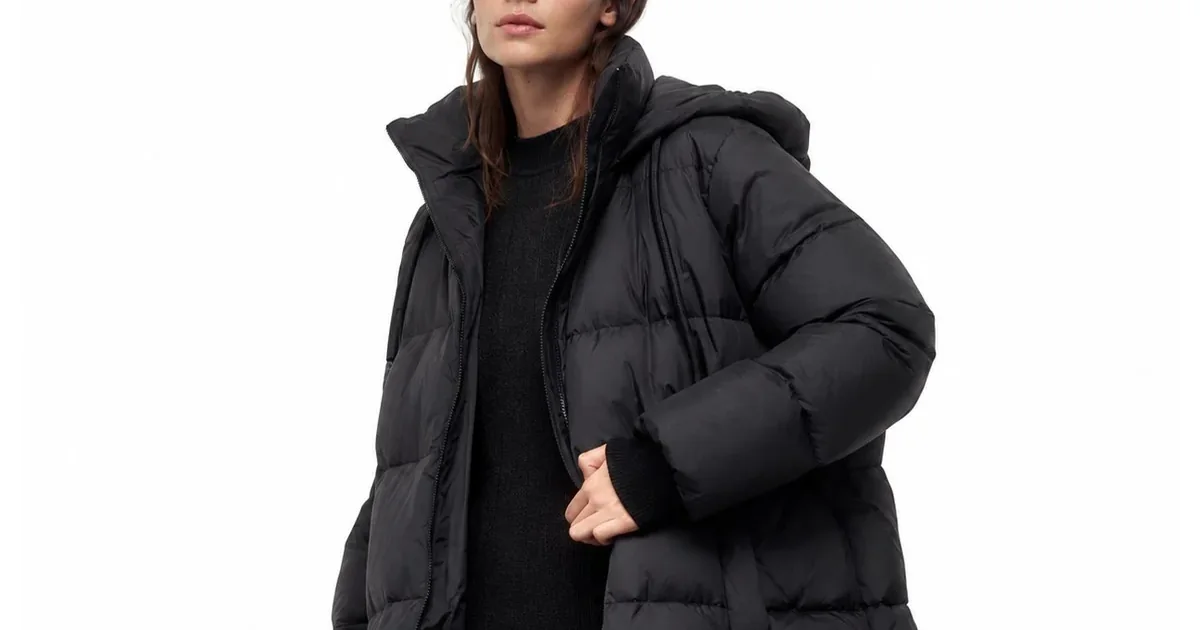
“Second-hand clothes Canada” will show you stores and marketplaces. Once you know what you want, get specific. Try “black straight-leg jeans 30-inch inseam” or “women’s wool coat charcoal.” Add a brand when you know its fit. If you’re browsing for inspiration, pick one category and a budget before opening fifteen tabs. Start with the PIXS clothing edit or browse all departments.
Compare with something you already own
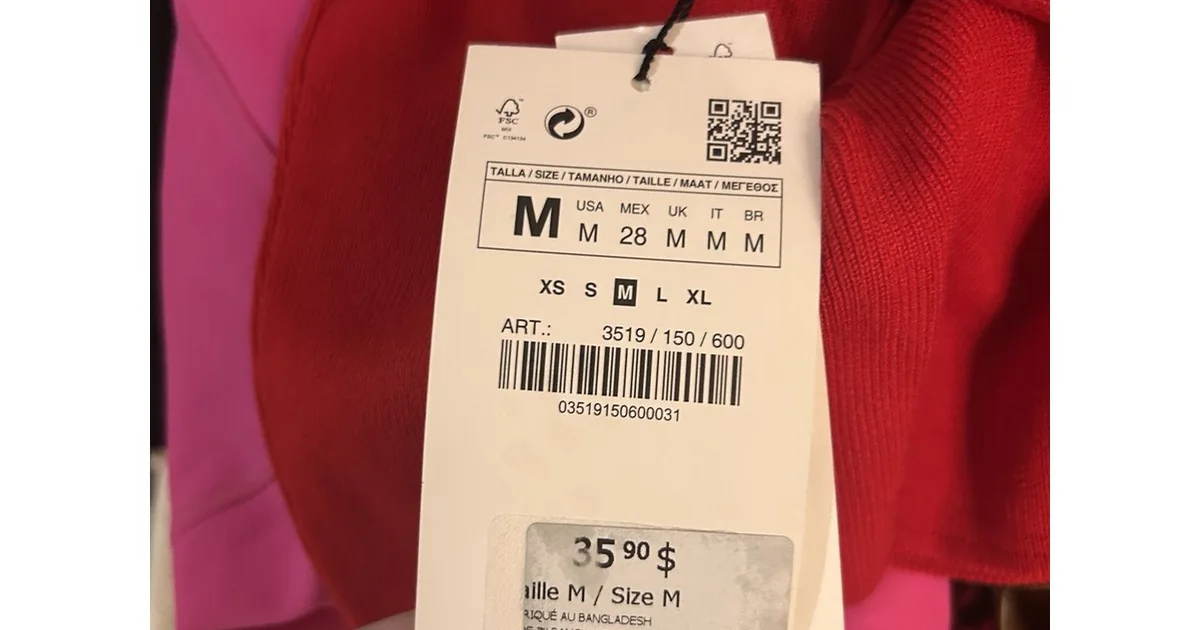
Measure an item you like, laid flat, then compare it with the listing. For jeans, look at the waist, rise, and inseam. For a jacket, look at the shoulders, chest, and sleeves. Compare flat measurements with flat measurements. If you’re unsure what a size label tells you, our resale sizing guide shows you what to check.
Read the condition like a buyer
Zoom in on cuffs and collars, where wear often shows up first. For trousers, look at hems, the seat, and the inside thighs. Read the condition note alongside the photos. If a fault matters to you, check where it sits and whether it would be visible when worn. Our guide to resale condition explains what common labels can tell you.
Check the cost at your door
Compare the price in CAD, taxes, applicable delivery fees, and the seller’s return policy. On a marketplace, delivery may depend on the individual seller. On PIXS, orders ship within Canada. See the delivery and order minimum guide before building a basket.